Event-Driven Engineering Teams: When Code Maintains Itself
Moving beyond manual deployment: how trigger-based automation transforms engineering operations from reactive firefighting to proactive system governance.
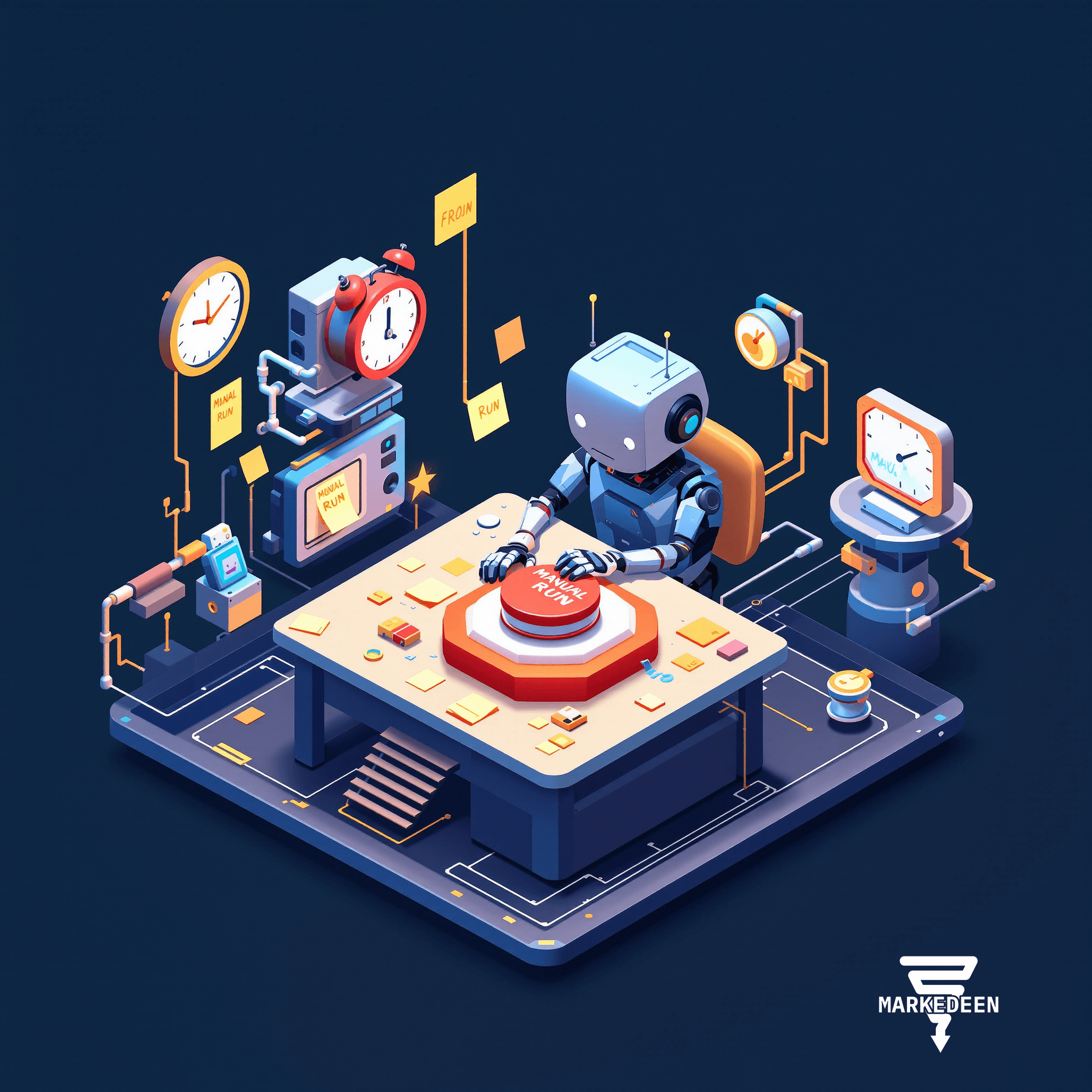
We've been watching a fundamental shift in how engineering teams operate. The question used to be "Can we automate this task?" Now it's "Why are we still triggering this manually?"
The breakthrough isn't about smarter AI. It's about removing humans from the loop entirely for routine engineering operations. Not because humans aren't capable, but because we're terrible at consistency.
The Manual Deployment Tax
Most teams have built sophisticated automations that still require someone to remember to run them. Code review scripts that live in a repo but need manual execution. Security audits scheduled as calendar reminders. Compliance checks that run only when someone notices a change.
This creates an invisible tax: the cognitive overhead of remembering, the delay between event and response, and the inevitable gaps when people are busy or on holiday. Every manual trigger point is a potential failure point.
The real cost isn't the thirty seconds to run a script. It's the lag time between a problematic commit and its discovery. It's the security vulnerability that sits undetected for three days because the audit runs Mondays. It's the code quality drift that accumulates because review happens in batches rather than continuously.
From Scheduled to Event-Driven
We're moving our clients from scheduled operations to event-driven ones. The distinction matters.
Scheduled automation runs on your calendar: daily reports at 9am, weekly audits on Friday, monthly compliance checks. This works until it doesn't. The critical commit happens Friday afternoon. The audit runs Friday morning. You've just created a three-day exposure window.
Event-driven automation runs on reality: the moment code hits production, the moment a dependency updates, the instant an error pattern emerges. The system responds to what's actually happening, not what we predicted would happen when we set the schedule.
This architectural shift requires different infrastructure. Your automation needs to live somewhere that can listen for events, spin up on demand, and shut down when finished. It needs to exist outside the local development environment, but stay tightly integrated with your actual codebase.
What Engineering Operations Actually Need
When we design automation systems for engineering teams, we're optimizing for specific constraints:
Isolation: Each automation runs in its own sandbox. A rogue security audit can't accidentally corrupt production. A dependency checker gone wrong stays contained. This is non-negotiable.
Context: The automation needs access to the full repository state, recent changes, and historical patterns, but nothing more. Broad system access creates risk without adding value.
Auditability: Every run should be logged, reviewable, and traceable. "It ran" isn't enough. We need to know what it found, what it changed, and what it decided not to change.
Selective autonomy: Some operations should report findings. Others should open pull requests. A few trusted ones might merge directly. The system should support different trust levels for different automation types.
The Trigger Taxonomy
We've found five categories of engineering triggers that cover most use cases:
Repository events: New commits, pull requests, branch merges. This is where most code quality and security automation lives. Every change becomes an opportunity for automated governance.
Time-based patterns: Daily dependency checks, weekly performance audits, monthly license compliance reviews. Scheduled operations still have their place, but they should be the minority.
External signals: PagerDuty alerts, monitoring threshold breaches, third-party API changes. When something breaks or shifts, the system should investigate before a human even sees the notification.
Collaboration events: Slack questions about specific codebases, Linear tickets tagged for automated triage, team member requests for environment snapshots. The system becomes a responsive team member.
Custom webhooks: Integration with your specific tooling. If you can send an HTTP request, you can trigger a workflow.
Builder Versus Caretaker
We're seeing a useful division of labor emerge.
Local development environments remain the place where you build, test, and refine automation. This is where you have full control, rapid iteration, and immediate feedback. You're still writing the instructions, testing the logic, and validating the output.
Cloud-based trigger systems become where that automation lives and runs. This is the caretaker layer, persistent, always-listening, ready to respond. You're not managing servers or writing deployment configurations. You're just defining: when this happens, run that automation.
This separation keeps development fast while making deployment invisible. You build locally with full debugging capabilities. You deploy to triggers with zero infrastructure overhead. The automation you tested five minutes ago can be watching your production repository five minutes later.
The Fundamental Capability Shift
What we're really building is continuous code governance. Not governance as a quarterly audit or a pre-deployment checklist, but as an ongoing background process that's always active.
Your codebase develops a immune system. Changes are checked immediately. Patterns are noticed as they emerge. Problems are flagged before they compound. The system learns what normal looks like and alerts on deviations.
This creates a new baseline for engineering operations. The question stops being "How do we remember to check this?" and becomes "What should we teach the system to watch for?"
What This Enables
We're implementing this architecture for clients who need:
Regulatory compliance without manual overhead: Financial services teams where every code change must be audited, but manual audits create bottlenecks. The system audits continuously, flags issues immediately, and maintains perfect documentation.
Distributed team coordination: Global engineering teams where no one is always online. The system handles routine review, triage, and responses while humans sleep.
Rapid scaling without quality erosion: Startups adding engineers quickly where code quality usually suffers. Automated review maintains standards as the team grows.
Legacy system monitoring: Large codebases where nobody fully understands every component anymore. The system learns patterns, detects anomalies, and documents unexpected changes.
The Real Skill Isn't Tool Mastery
We're frequently asked which specific platform we recommend. That's the wrong question.
The transferable skill is understanding automation architecture: what should be triggered versus scheduled, what level of autonomy each operation needs, how to structure prompts for consistency, what context each automation requires, and how to audit results effectively.
These principles apply regardless of which trigger platform or AI model you're using. The specific implementation details change every six months. The architectural thinking remains constant.
If your team is still running engineering operations manually, the opportunity isn't learning a new tool. It's redesigning your operations around events instead of human memory. That shift creates compound value that tools alone never will.
More on Engineering
Want a system like this in your business?
We build the automation behind everything you just read.