The Scaffolding Problem: Why Smart Models Still Fail at Real Work
AI models don't fail because they lack intelligence, they fail because they lack operational scaffolding. Understanding the difference between prompts, skills, and connectors separates experimental AI use from…
Most AI Failures Aren't Intelligence Problems. They're Architecture Problems
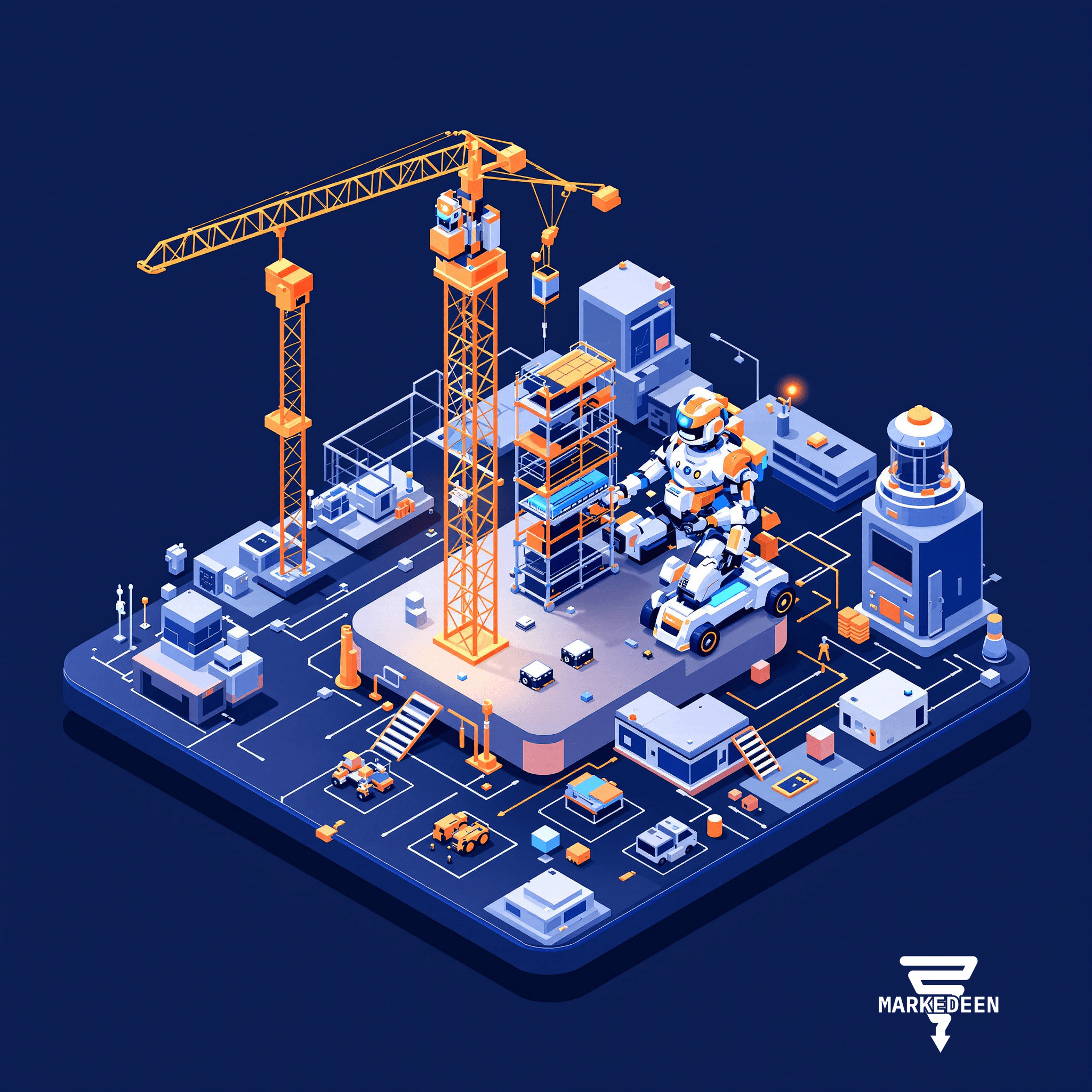
When marketing teams complain that AI "doesn't work for complex tasks," the issue is rarely model capability. The problem is scaffolding: the surrounding infrastructure (skills, connectors, memory, boundaries) that transforms raw intelligence into reliable execution. Organizations waste resources re-prompting the same tasks because they're treating AI like a search engine instead of building operational systems. The gap between "AI-assisted" and "AI-native" operations isn't about better prompts. It's about whether you've built the mech suit around the model.
Why Raw Model Intelligence Isn't Enough
Think of an AI model as an engine without a chassis. A powerful engine is useful, but you can't drive it anywhere until you've built the frame, steering, and wheels around it. That's the scaffolding problem.
Most teams experience this as constant friction: they get a decent first draft from AI, then spend hours fixing edge cases, re-explaining context, or manually connecting outputs to the next step in their workflow. The model didn't suddenly get dumber, it never had the supporting structure to maintain consistency across iterations.
The analogy that clarifies this: Darth Vader needs the suit. Transformers need the metal chassis. LLMs need scaffolding. The intelligence exists, but without the supporting architecture, it can't translate into repeatable, production-grade work. When you see an AI agent that "just works," you're not seeing a smarter model, you're seeing better infrastructure around a capable model.
What Actually Makes Up AI Scaffolding?
The confusion around AI infrastructure stems from blurred lines between fundamentally different components. Here's what separates experimental prompting from operational systems:
Prompts are instructions for a single task. They're fine for one-off requests but require you to re-explain context every time. If you're copy-pasting the same instructions weekly, you're using prompts where you need something more structural.
Skills are repeatable capabilities the system can invoke without re-instruction. Instead of explaining "find relevant files by topic, not filename" every time, you build that search pattern as a skill. Skills turn recurring instructions into callable functions.
Connectors give the system access to your actual work environment, file systems, spreadsheets, project management tools, communication platforms. Without connectors, even a smart model with good skills is isolated from the data and systems where your work lives.
Memory lets the system maintain context across sessions. One-shot prompts forget everything the moment the conversation ends. Memory allows an agent to pick up where it left off, understand what changed since last time, and avoid re-asking questions it should already know.
Boundaries define when the system should stop and bring you back in. Without clear boundaries, agents either do too little (constantly asking permission) or too much (making decisions that needed human judgment).
When these five elements work together, you stop managing AI and start managing workflows that happen to use AI.
The Practical Difference: Workflows vs. Re-Prompting
Consider a common marketing scenario: producing monthly performance reports that pull data from three platforms, synthesize trends, and generate executive summaries.
The prompting approach means opening ChatGPT, explaining the task, uploading CSVs, getting a draft, realizing it forgot the context from last month's report, re-explaining, fixing formatting manually, then repeating the entire process next month.
The scaffolding approach means building a system where the agent can access your analytics platforms directly (connectors), knows the report structure and your preferred analysis frameworks (skills), remembers last month's key findings and action items (memory), produces drafts within defined formatting and tone parameters (boundaries), and only surfaces anomalies that need your strategic judgment (boundaries again).
One is AI-assisted drudgery. The other is AI-native operations.
Why This Matters for Marketing Teams Specifically
Marketing has an unusual volume of recurring, context-heavy workflows: campaign performance reviews, content calendars, competitive monitoring, customer journey mapping, asset production at scale. These aren't one-off research questions. They're operational loops that happen weekly or monthly with slight variations.
Teams stuck in prompting mode treat every cycle as new. They re-upload brand guidelines, re-explain campaign history, re-describe audience segments. The cumulative time loss is staggering, but more importantly, they never build institutional knowledge into their AI systems. Every month starts from zero.
Organizations that map their recurring workflows to agent architecture unlock actual automation. They identify which marketing processes are genuinely repeatable, build the skills and connectors those processes need, and let agents handle the operational load while humans focus on strategy and creative judgment.
What Does This Look Like in Practice?
One useful pattern: assembling clean context on your local file system rather than cramming everything into a chat window. Instead of uploading files manually and re-explaining their relationships every time, you describe what you're looking for in natural language, "financial model drafts from last quarter" or "campaign briefs for the retail vertical", and let the system find and organize those files into a working folder. Then you point a fresh session at that organized context and assign the actual task.
This works because you're separating context assembly from task execution. The system isn't trying to search, synthesize, and create simultaneously. It's doing each step with appropriate tools: file system access for finding documents, folder structure for organizing context, and focused instructions for the creative or analytical work.
Another pattern: loops instead of prompts. A loop is a recurring job with memory. Instead of prompting "check if anything changed with our competitor's pricing" every week, you build a loop that monitors pricing, remembers what it looked like last time, and only alerts you when something meaningful shifts. Loops can hand off to each other (a competitive intelligence loop might trigger a pricing strategy loop, which might trigger a messaging update loop) creating what amounts to a workflow that runs itself within boundaries you've defined.
Building Scaffolding Without Becoming an Engineer
The concern most teams raise: doesn't this require engineering resources we don't have? Increasingly, no. The tooling has simplified to the point where non-technical users can build meaningful scaffolding through configuration rather than code.
You're not writing complex integrations from scratch. You're connecting existing tools, defining skills through structured instructions rather than programming, and setting boundaries through rules and approval gates. It's closer to workflow automation than software development.
The real barrier isn't technical capability. It's conceptual. Teams struggle because they don't have a clear map of what prompts, skills, connectors, memory, and boundaries each do and when to use which. Once that map is clear, building scaffolding becomes a workflow design problem, not a coding problem.
Frequently Asked Questions
How do I know when a task needs scaffolding instead of just better prompts? If you're doing it more than once with similar context, it's a scaffolding candidate. One-off research questions can stay prompts. Monthly reports, recurring analysis, operational workflows, those need structure.
What's the first piece of scaffolding most teams should build? Start with connectors to your actual work environment. If the AI can't access your files, platforms, and data directly, everything else is manual overhead. Once it can see your real workspace, skills and memory become dramatically more useful.
Does this lock us into specific AI platforms? Not necessarily. The concepts (skills, connectors, memory, boundaries) are architecture patterns, not vendor features. Implementations vary, but understanding the scaffolding model helps you evaluate platforms and migrate between them as the landscape evolves.
From Experimental to Operational
The shift from experimenting with AI to operating with AI isn't about waiting for smarter models. It's about recognizing that intelligence alone doesn't create reliable systems. Production workflows need infrastructure.
Marketing teams that keep chasing better prompts will keep hitting the same ceiling: impressive demos, frustrating execution, constant manual intervention. Teams that invest in scaffolding, even simple scaffolding, start seeing AI handle entire workflows end-to-end.
We're past the point where "can AI do this?" is the interesting question. The interesting question now is "what scaffolding does this workflow need?" If you're still approaching AI as a very smart intern who needs constant supervision, you're building the wrong system. Build the mech suit. The intelligence is already there.
More on Engineering


Want a system like this in your business?
We build the automation behind everything you just read.